Konn.ae
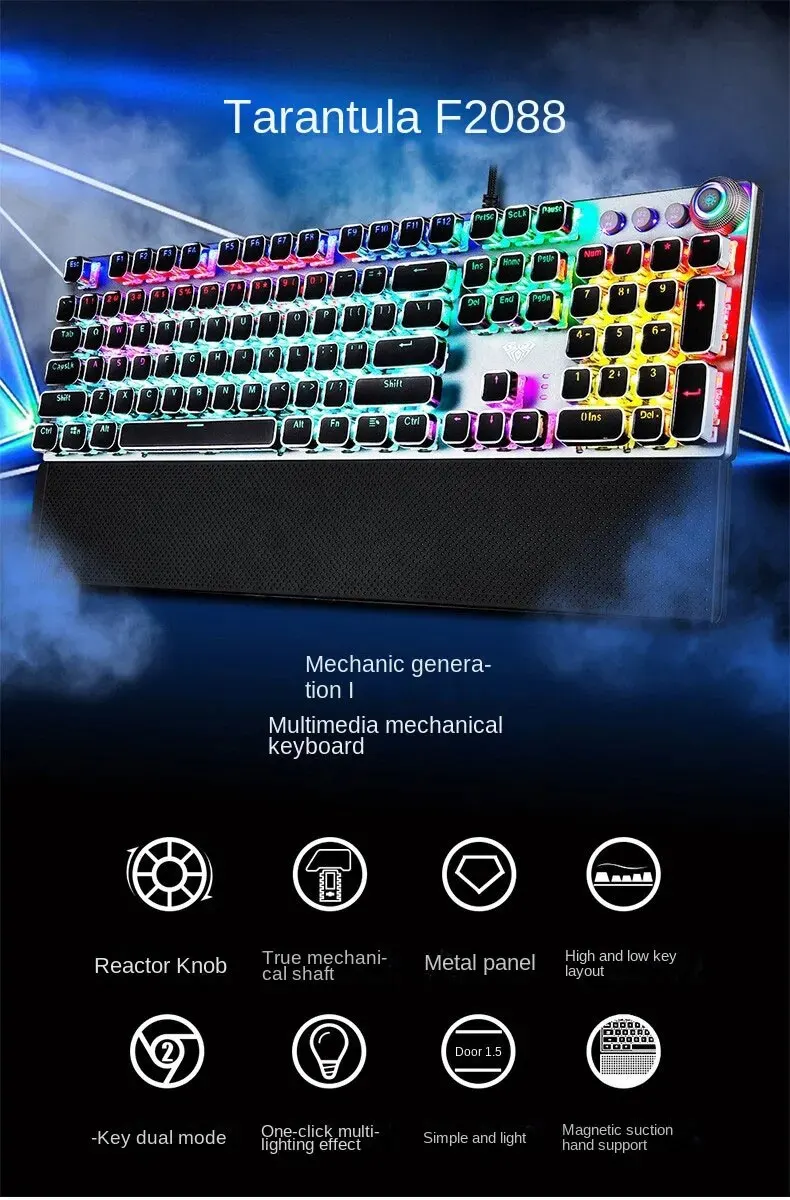
Mechanical Gaming Keyboard
Mechanical Gaming Keyboard
Couldn't load pickup availability
SPECIFICATIONS
- Application: Desktop
- Application: Laptop
- Application: Number
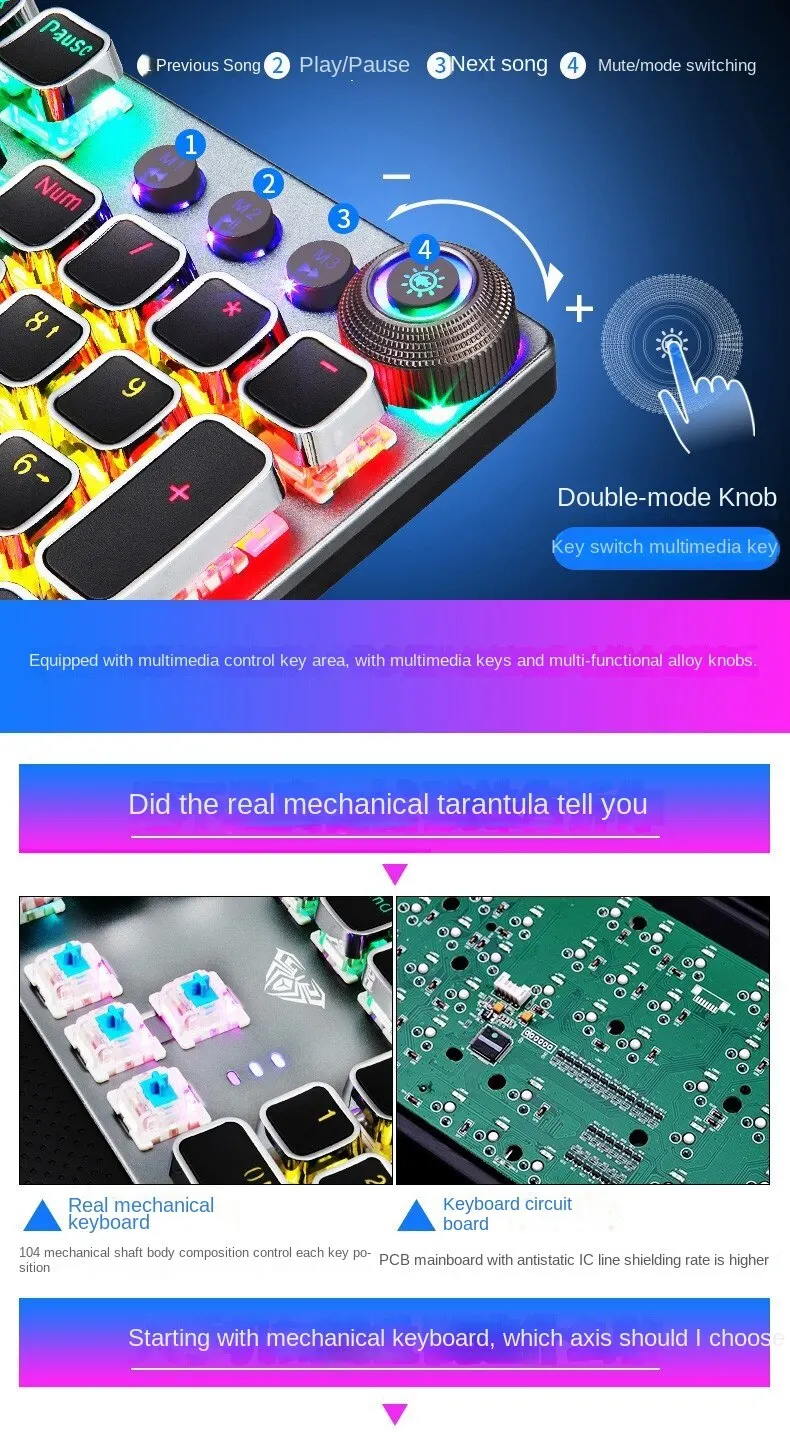
- Operation Style: Mechanical
- Style: Standard
- Package: Yes
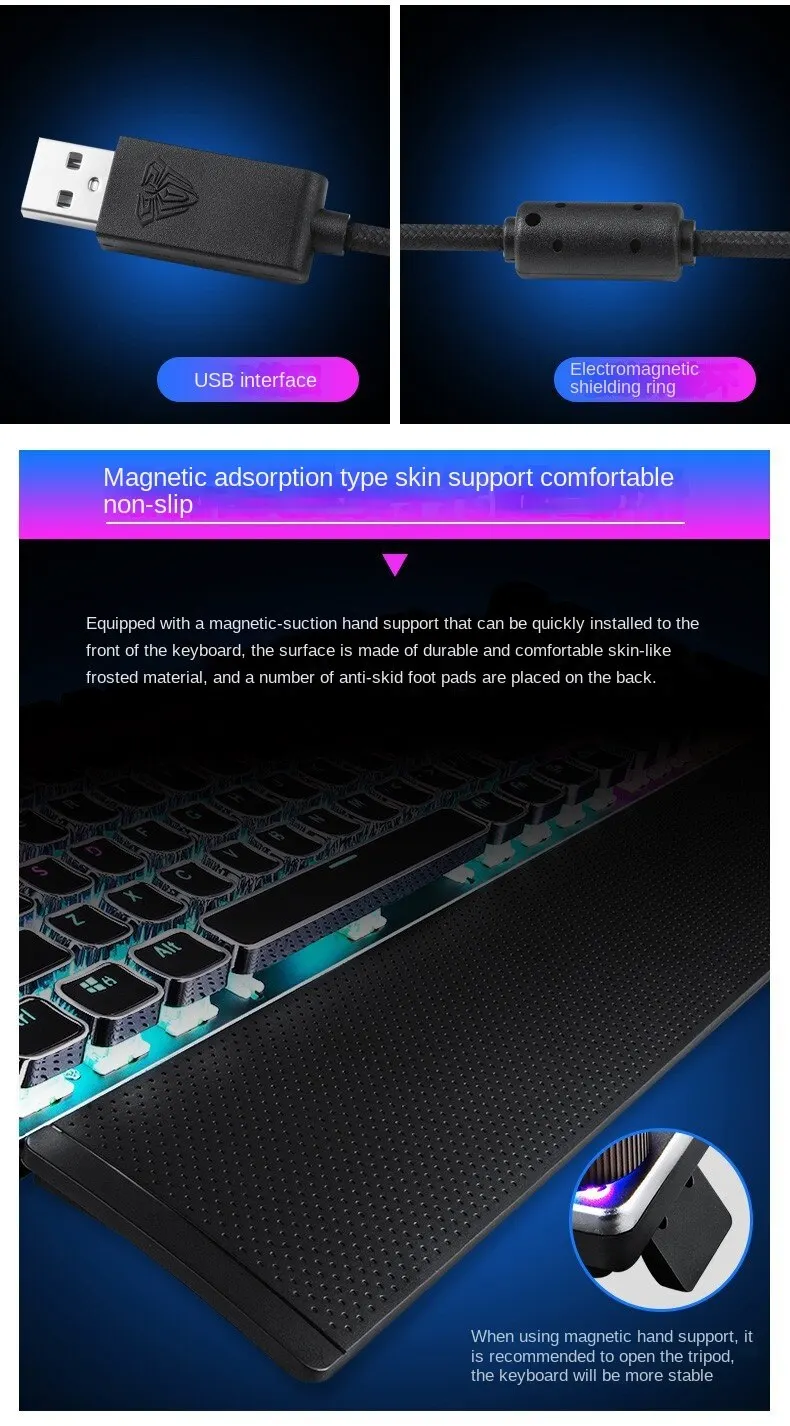
- Interface Type: USB
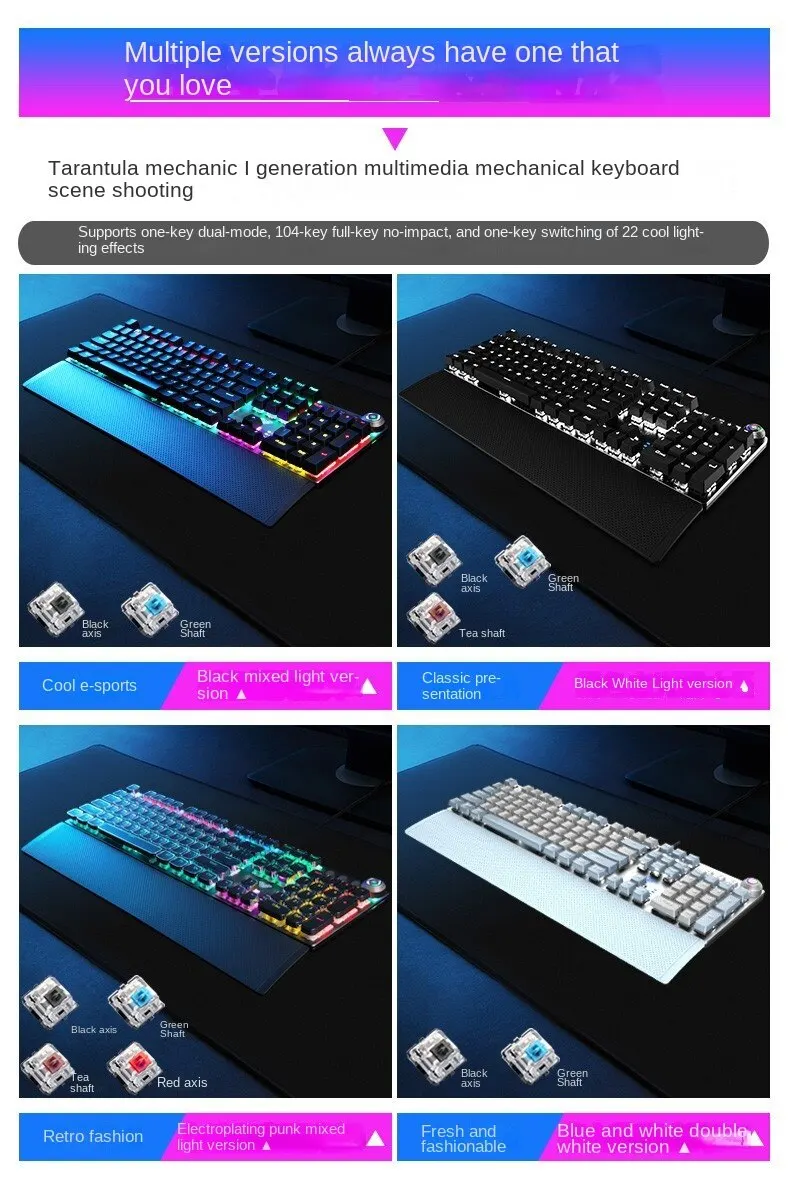
- Backlight Type: MULTICOLOR
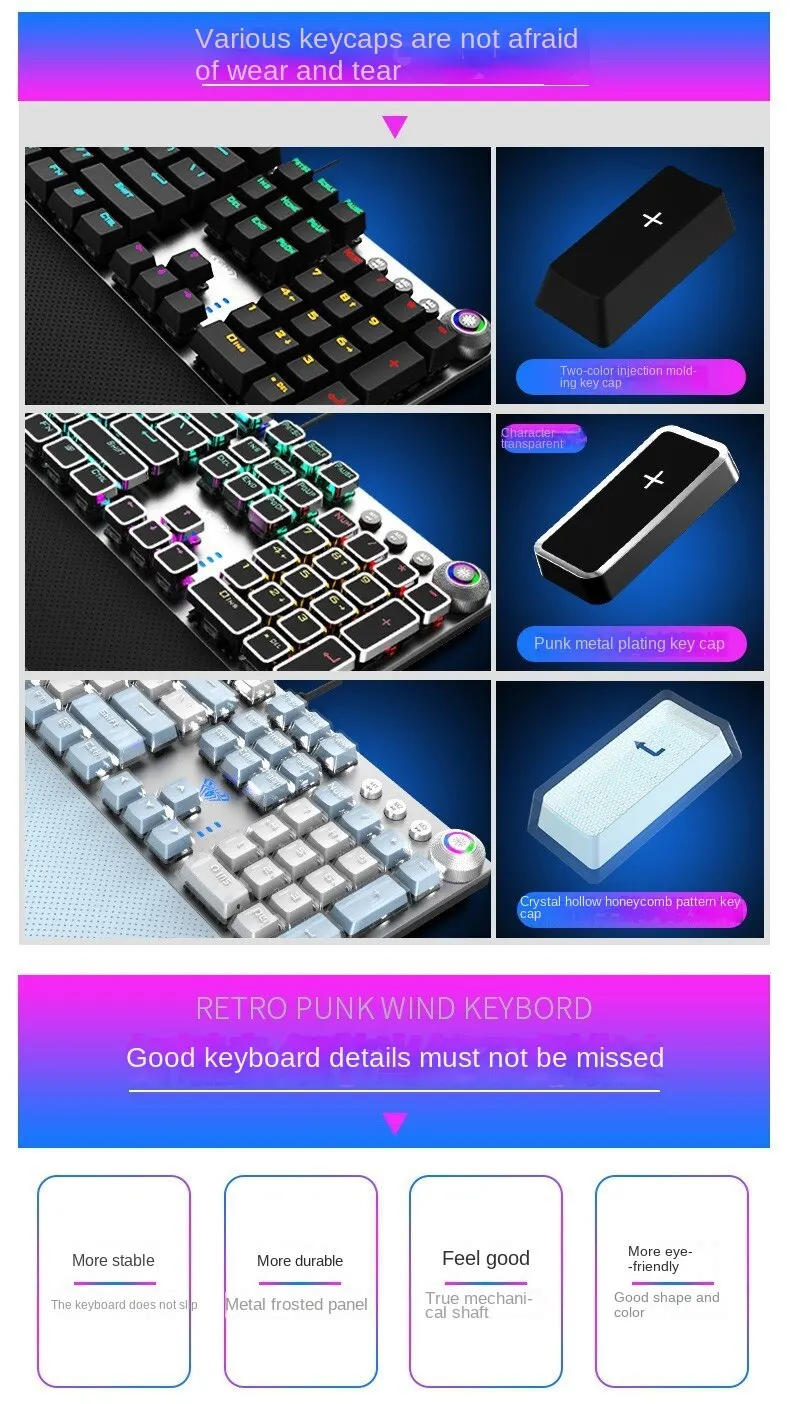
- Keycap printing: Laser
- Keyboard Standard: 104 Keys
- Full Size keyboard: Yes
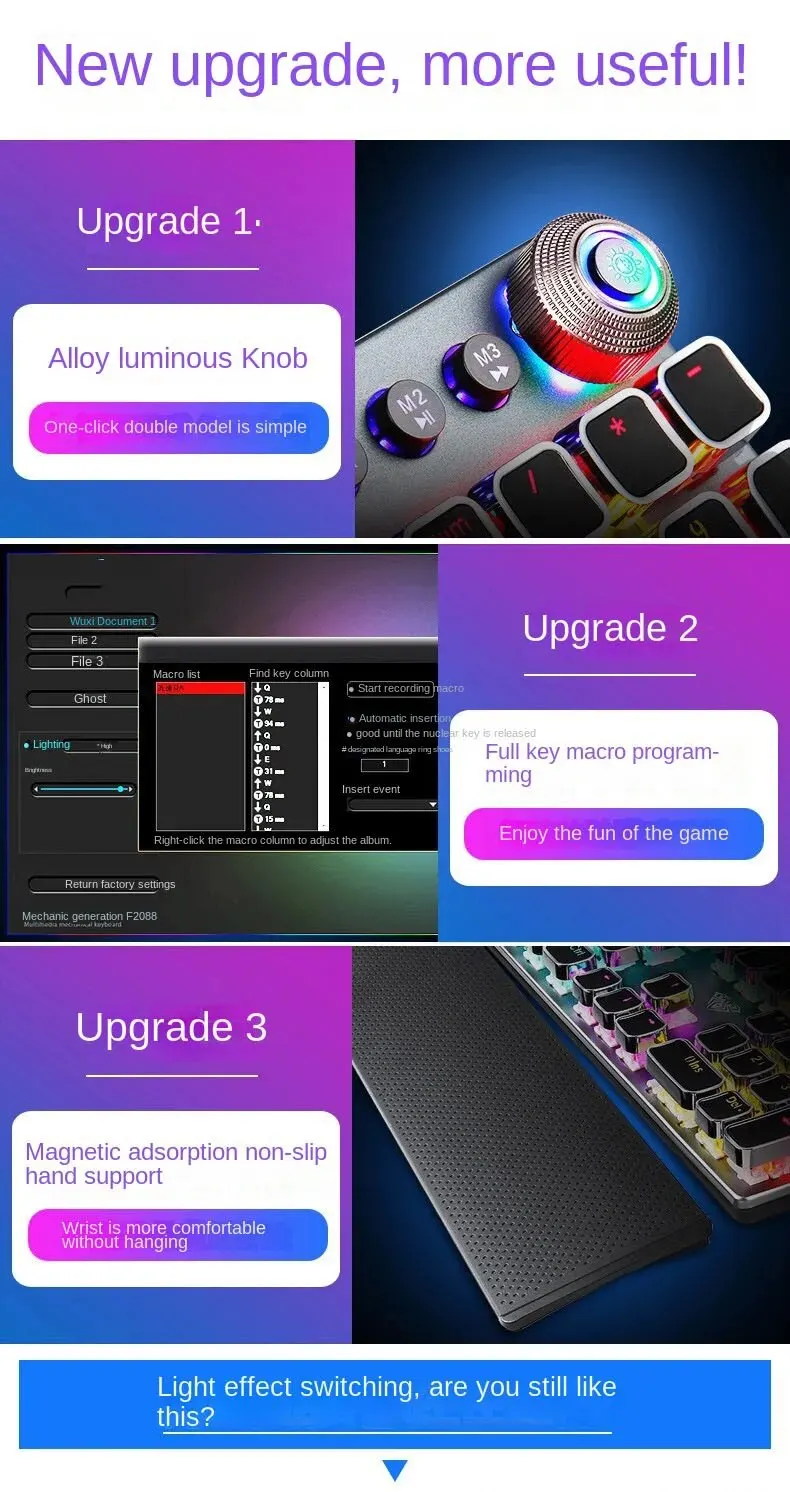
- Wrist Support: Yes
-
Language: English
- Type: WIRED
- Choice: yes
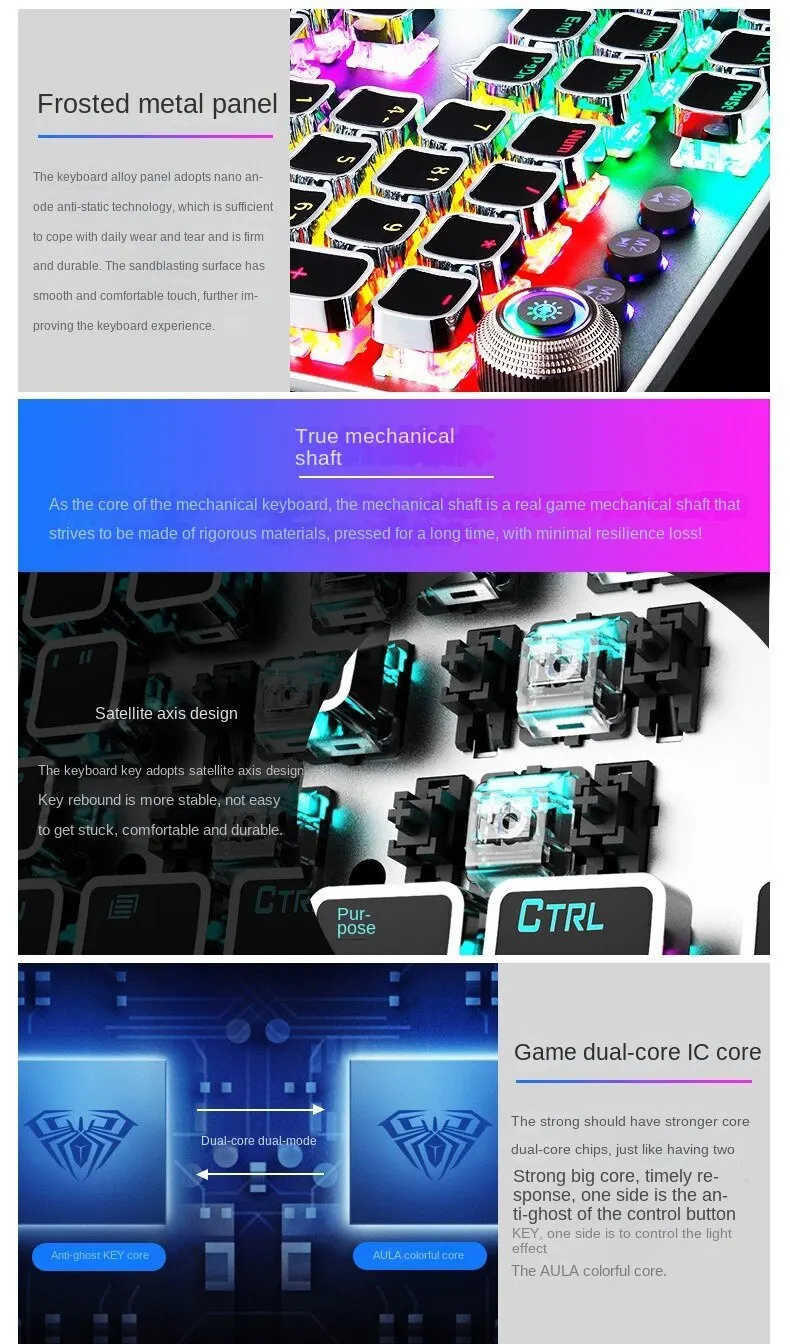
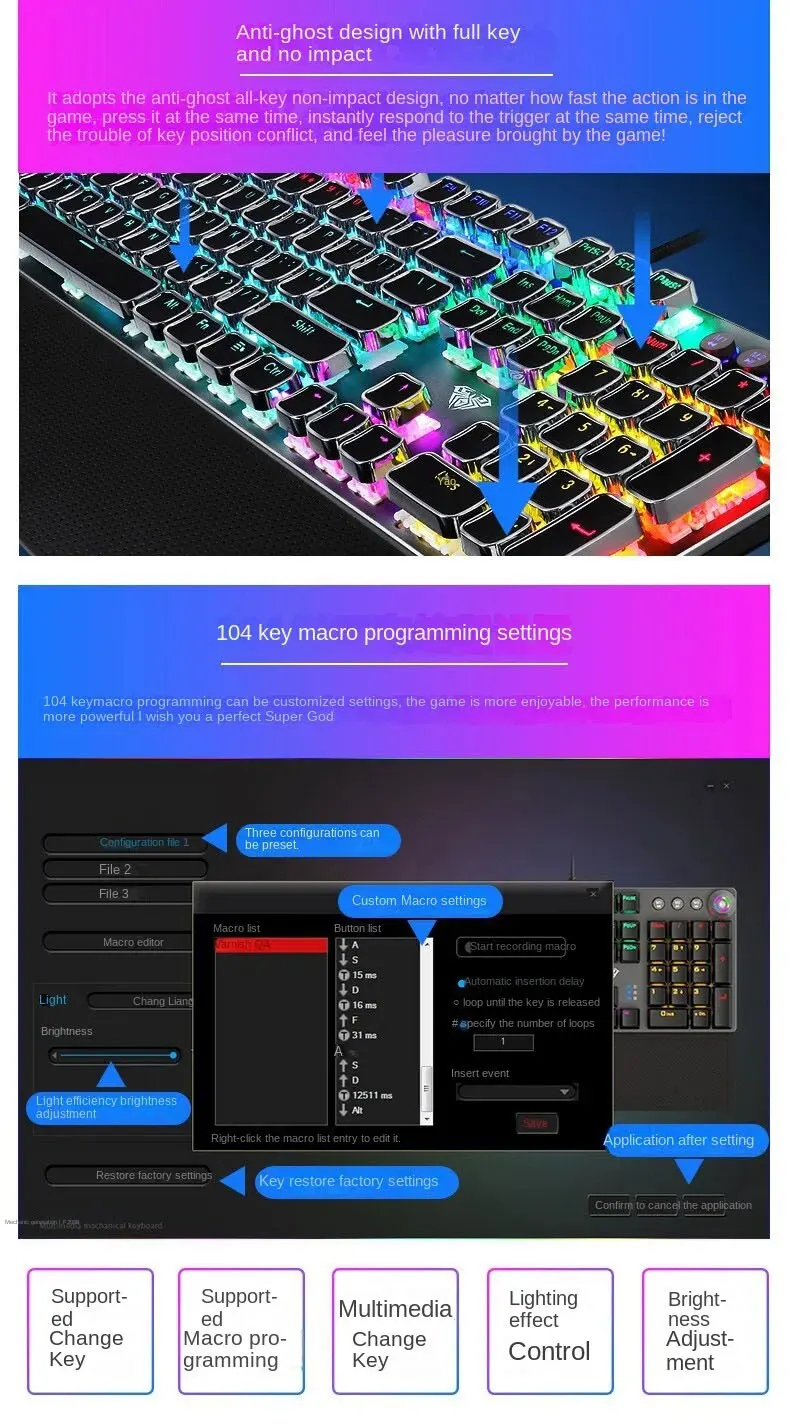
• Anti-ghosting technology :The keyboard features anti-ghosting technology that ensures every keypress is registered accurately, making it perfect for gaming and typing.
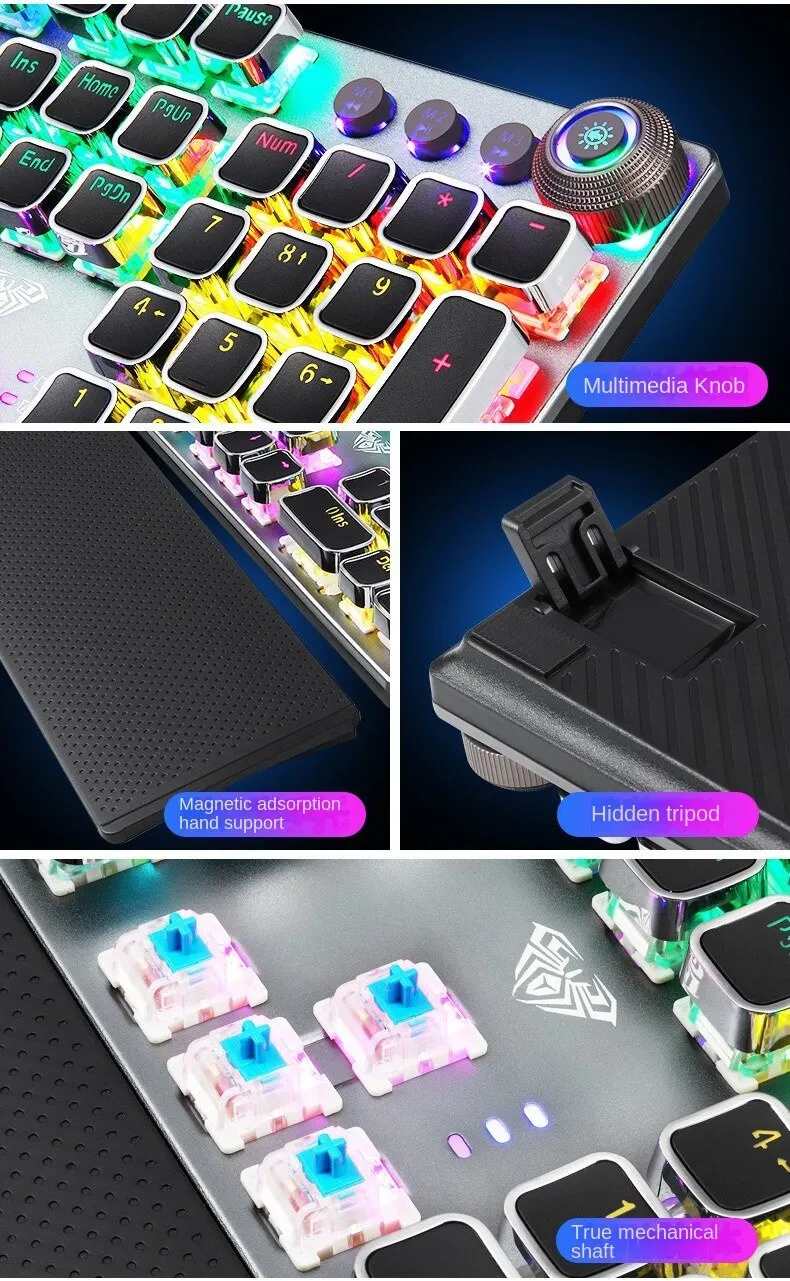
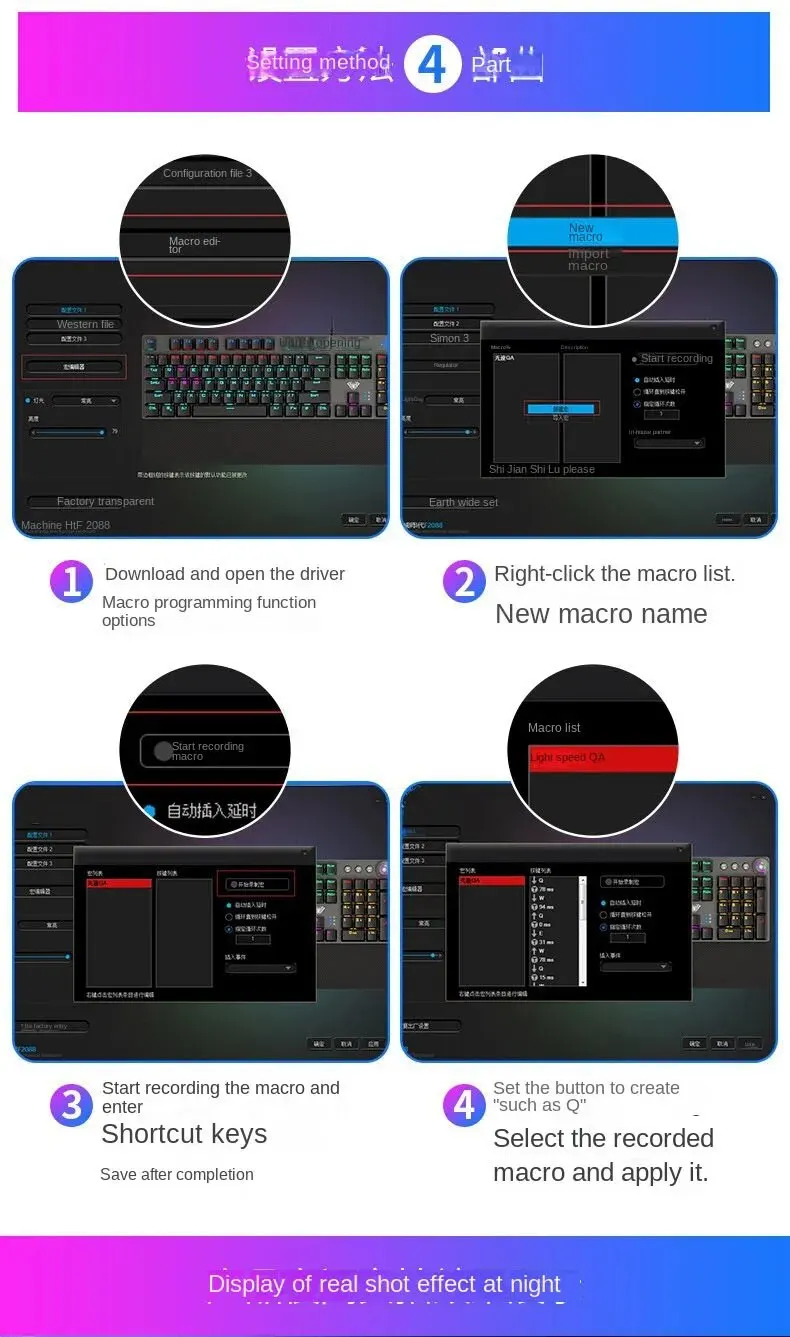
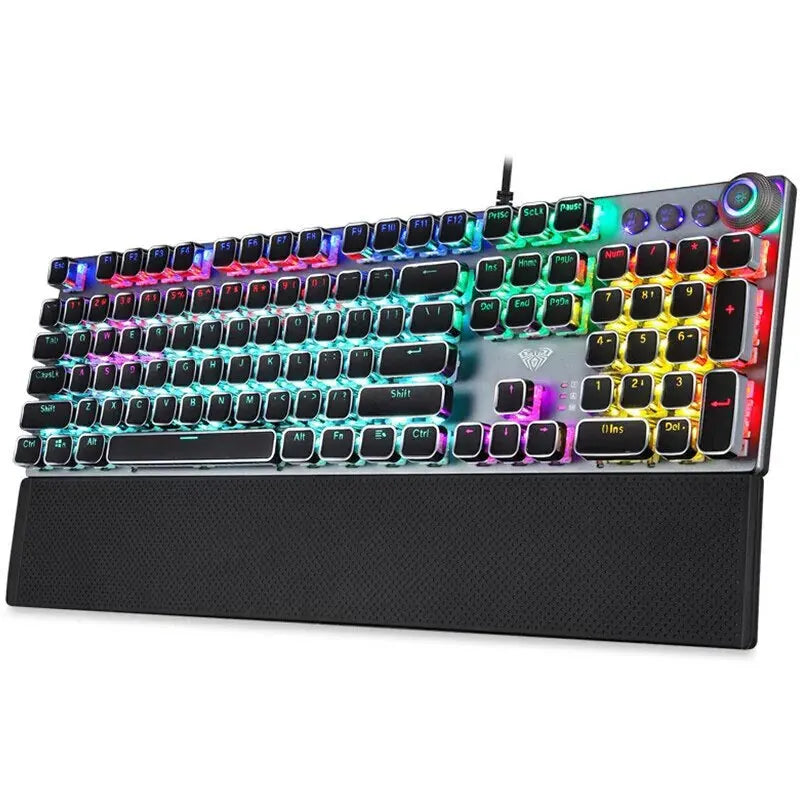
• 104-key plating :With 104 keys, this keyboard provides ample space for typing and gaming, ensuring a comfortable and efficient experience.
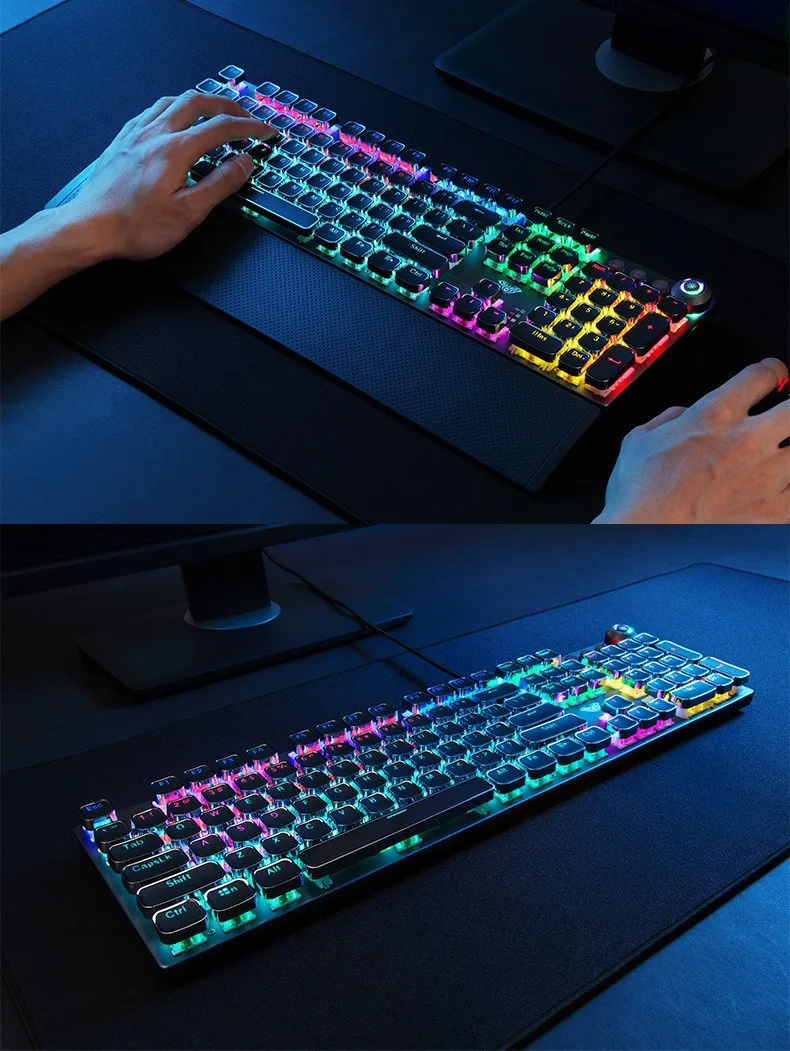
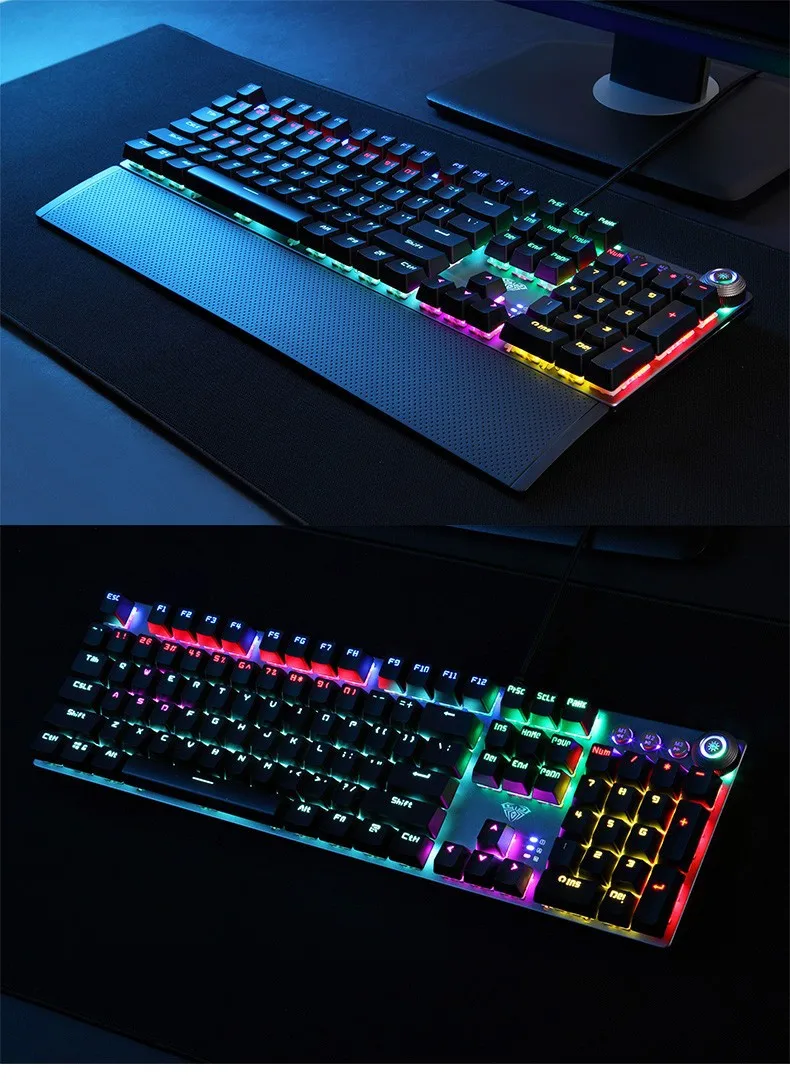
• Mixed backlit design :The mixed backlit design of this keyboard provides a stylish and unique look while also making it easy to use in low-light conditions.
• Wired connection :This keyboard is connected via a wired USB interface, ensuring a stable and reliable connection that won't be affected by interference from other devices.
- Transmission method: Wired USB
- Number of keys: 104
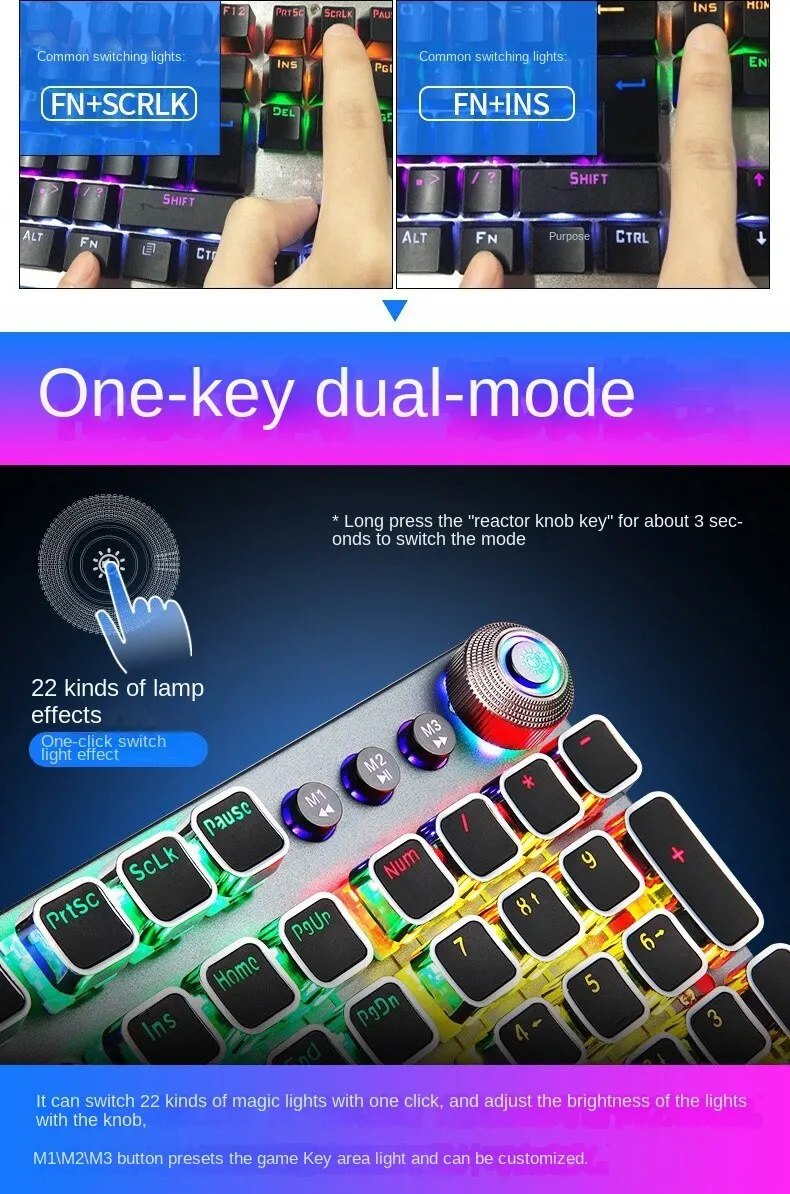
- 22 mixed backlight colors
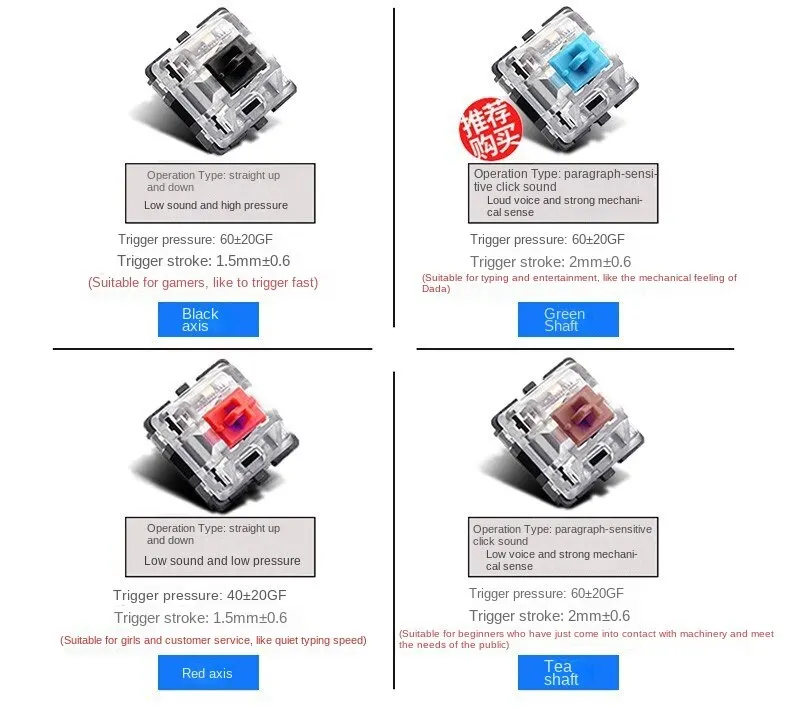
- Key stroke: 4.0mm
- Button strength: 60+10g
- Key life: about 50 million times
- Rated voltage/current: DC 5V/250mA
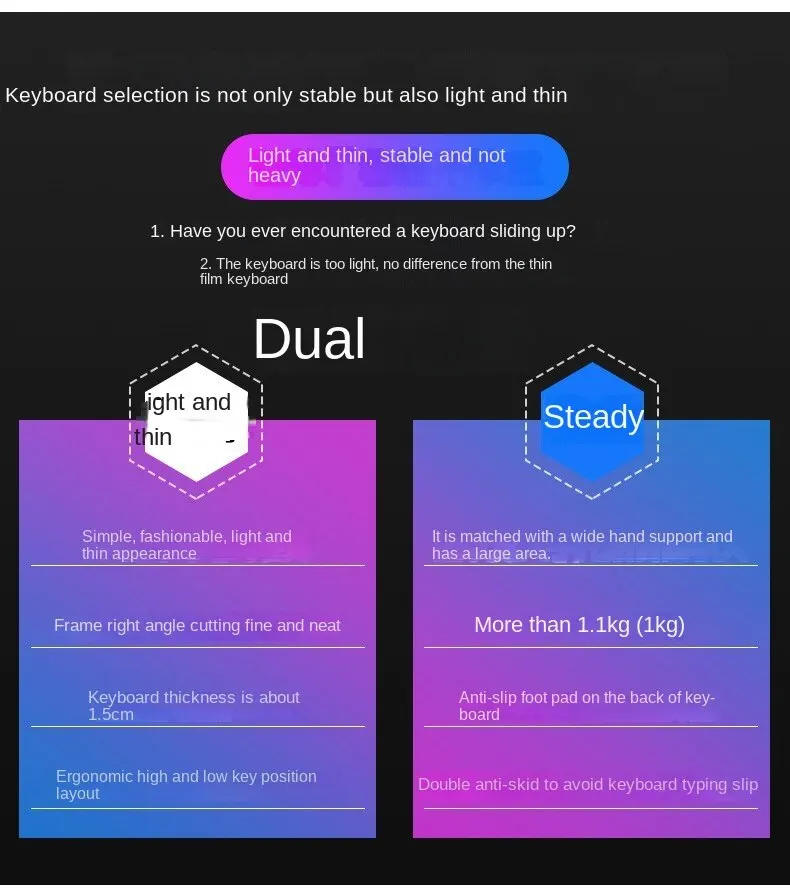
-Product size: 435(L) X123 (W)x38.5 (H) + 0,5 mm
-Hand rest size: 435(L) X68 (W)x 14.5(H)+ 0.5mm
-System requirations: Vista/Windows 7, 8, 10/Mac
Light effect mode spin):
1. Switch The Lighting Effect
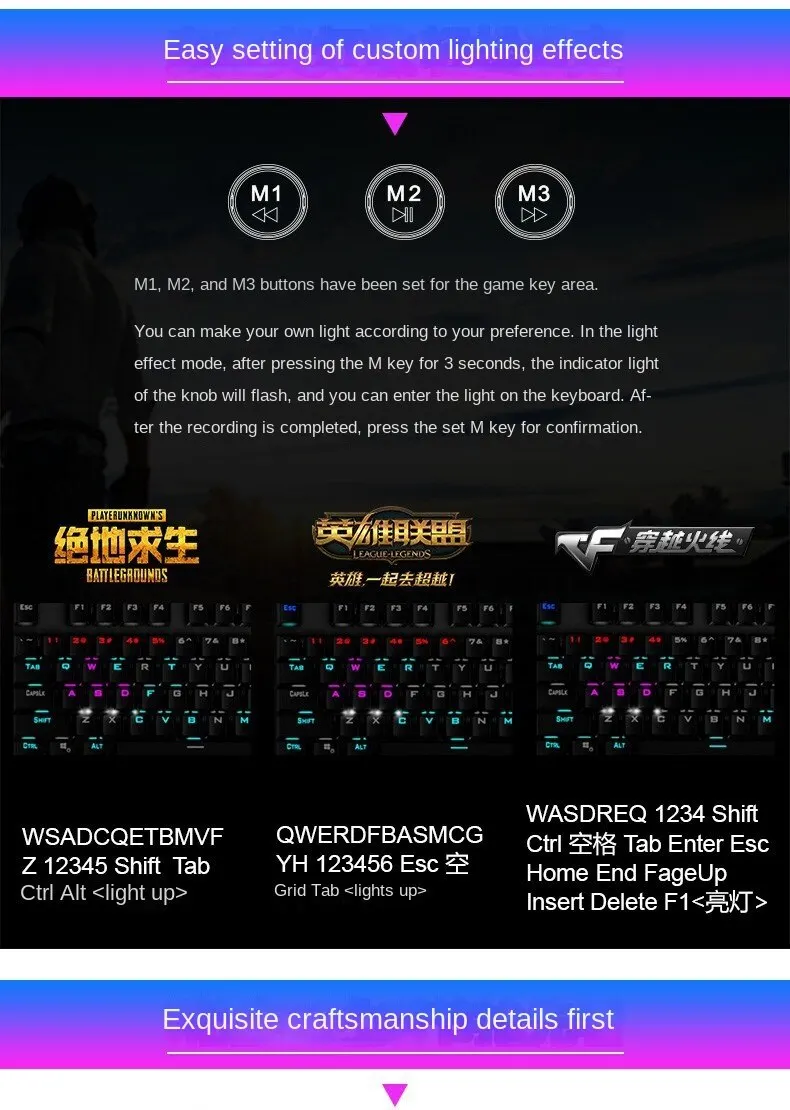
Click the button to switch the light effect mode and store up to 19 lighting effects.
2. Adjust The Brightness
By rotating the knob, you can adjust the brightness of the backlit or tum the lights off
3. Custom Your Lighting Effect
Press M1 (or M2/ M3) firstly, then press and hold the M1 (or M2/ M3) button until the knob indicator flashes and the lights of the keys are off, you can custom your lighting effect by pressing the keys that you want, then press the M1 (or M2/ M3) to confirm
Description: